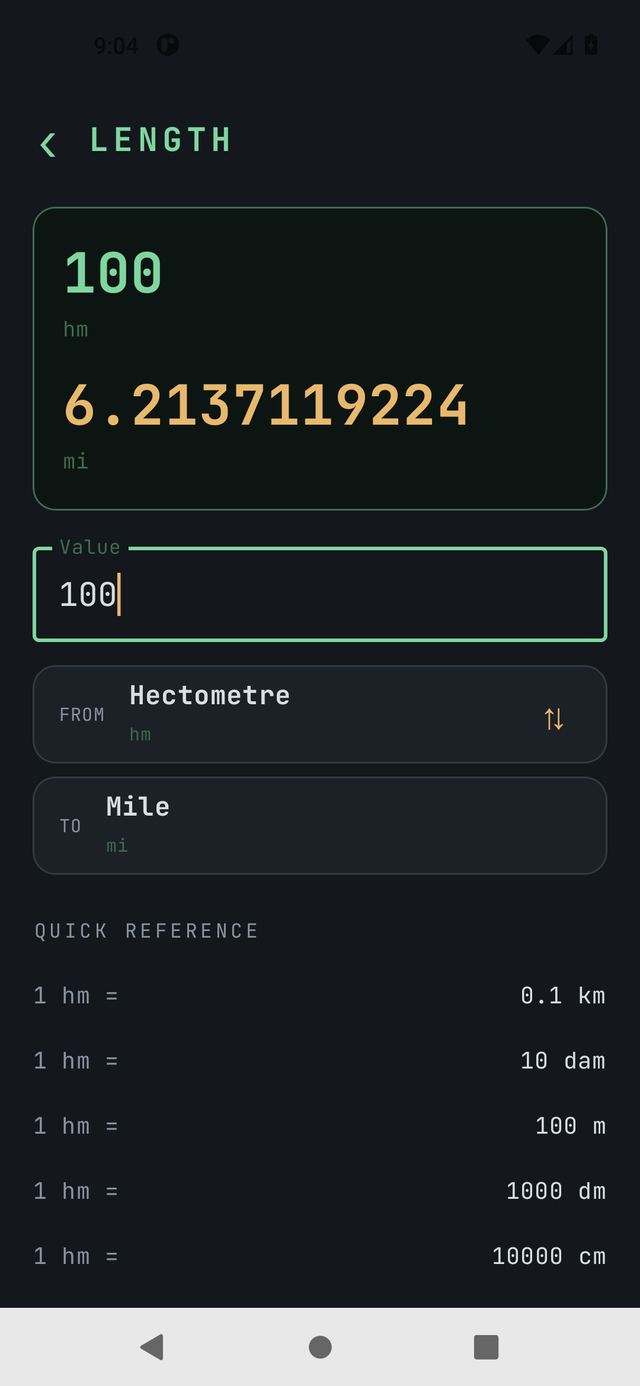
Units
A unit converter: nine categories, 137 units, one plain screen. Works with no internet and no account.
MWM Tools
Every tool is free to try for 7 days or 20 launches. One payment unlocks all of them forever, including tools added later.
Coming to Google Play. Not released yet.
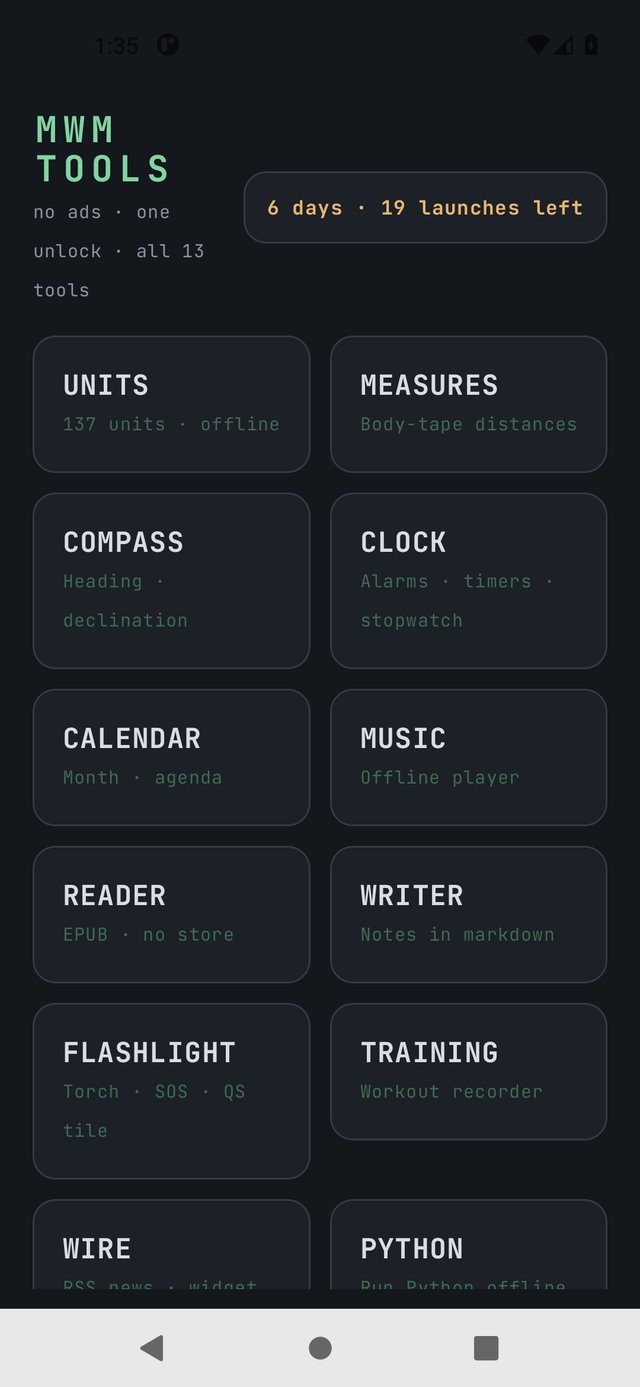
A unit converter: nine categories, 137 units, one plain screen. Works with no internet and no account.
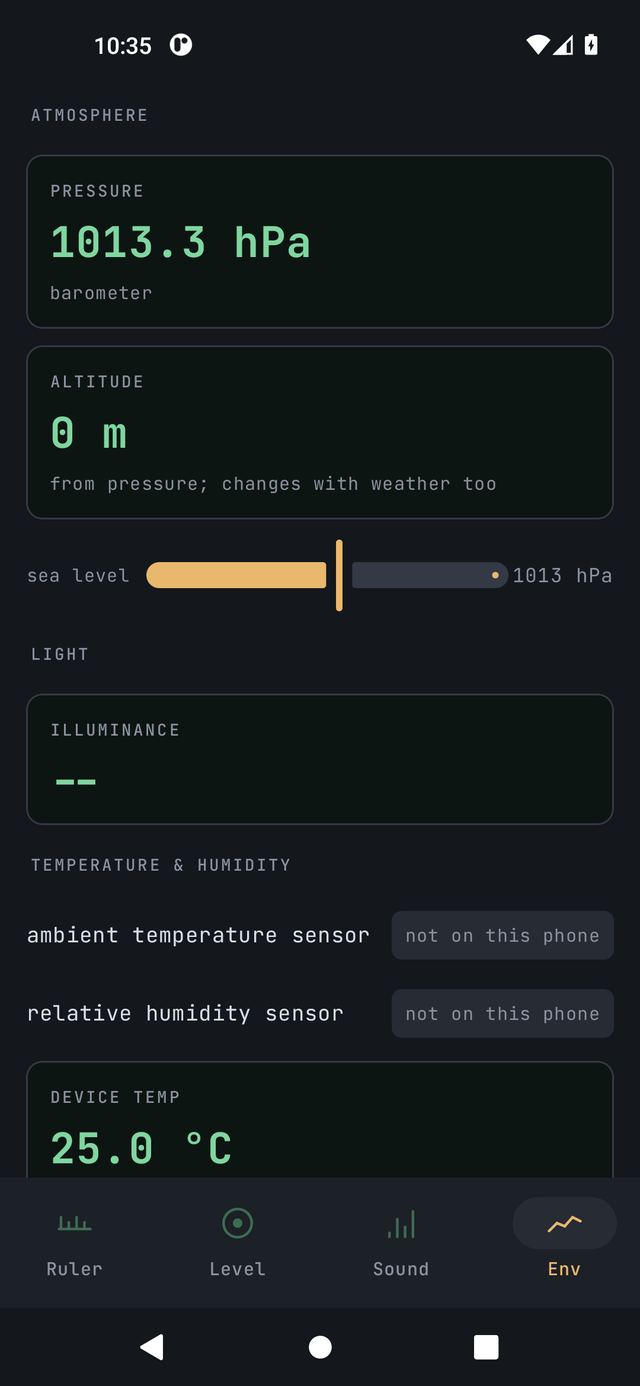
A tape measure, a spirit level, a sound meter and an environment probe in your pocket. Five tabs, and the app never asks for internet.
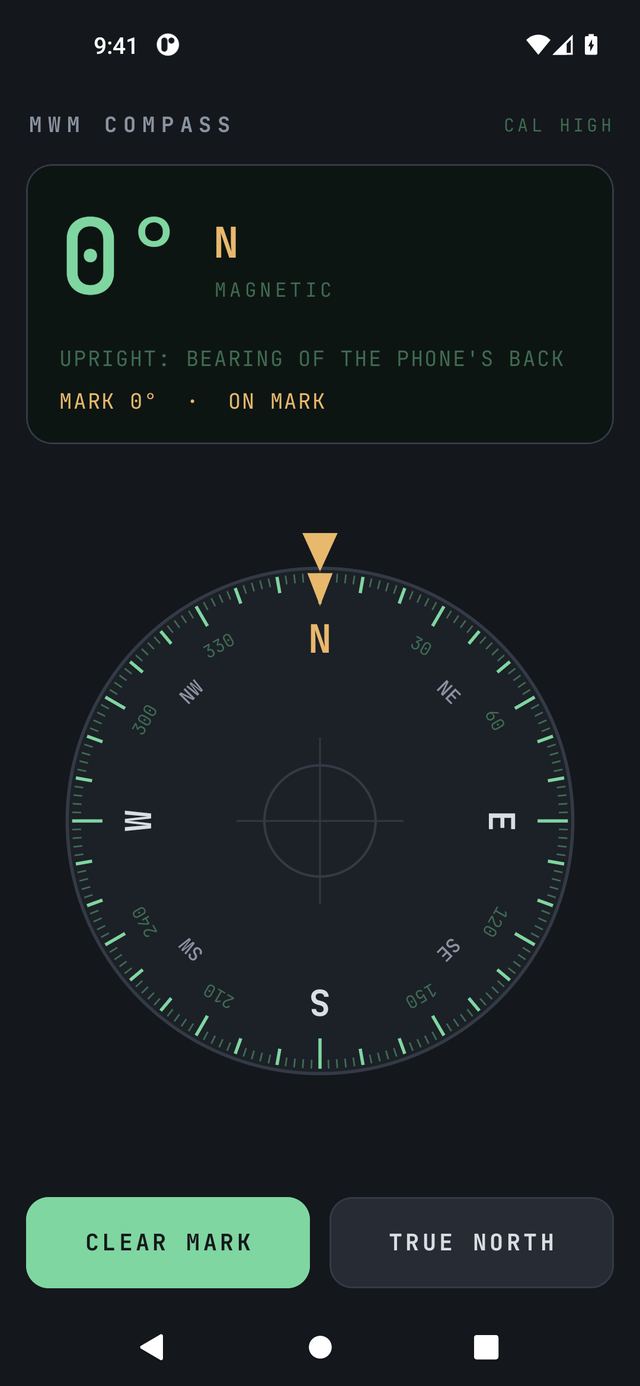
A plain, precise compass made for use outdoors. A big degree readout, a card that turns under a fixed mark, and a bubble level.
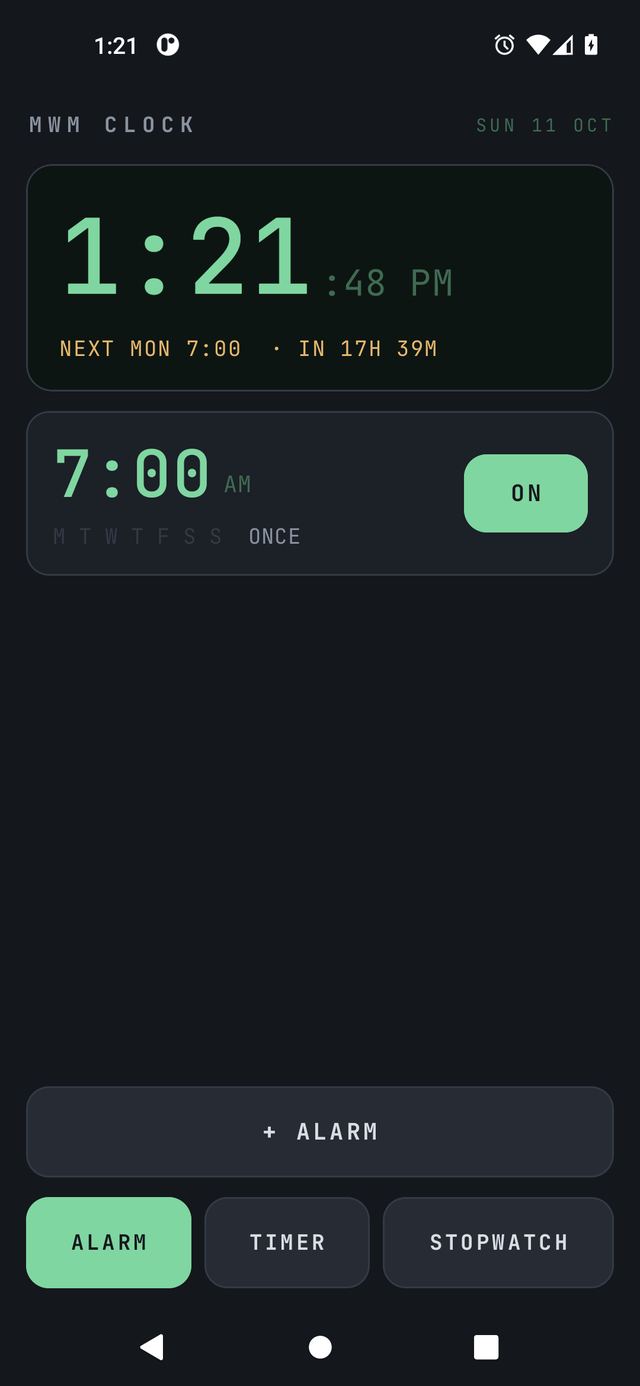
An alarm clock, timers and stopwatches on one plain screen. It wakes you up on time and gets out of the way. A home-screen widget shows the clock.
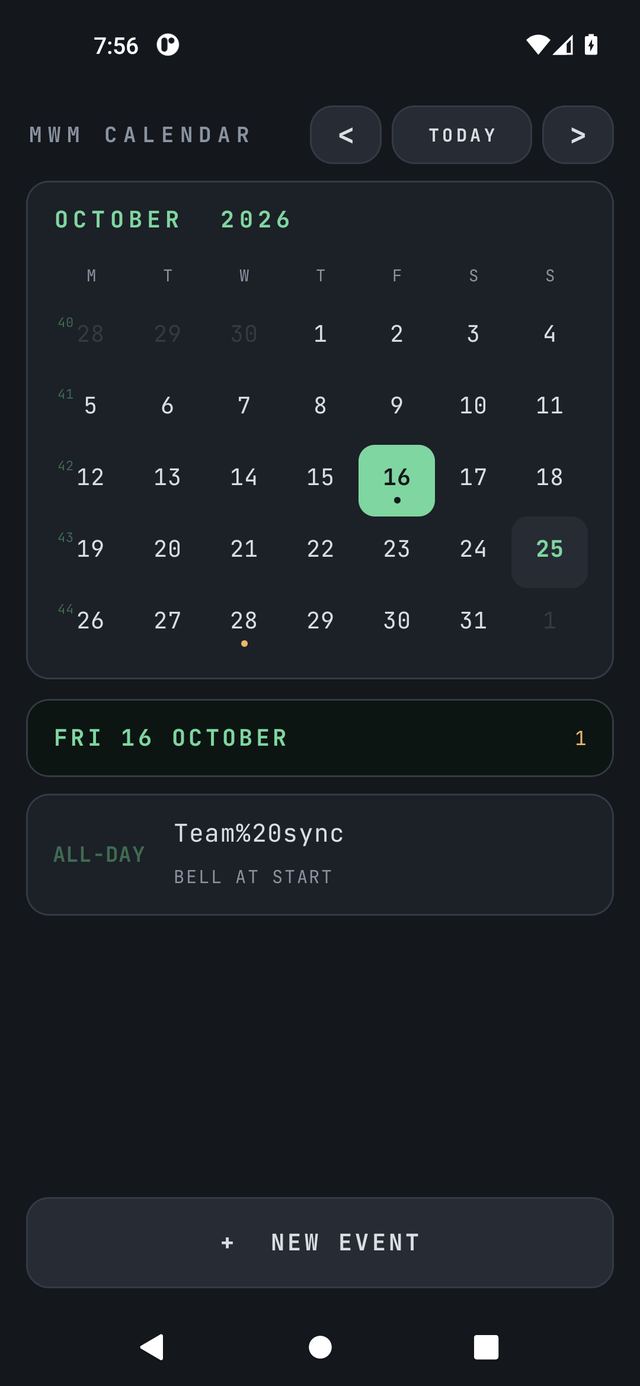
A calendar with event reminders on one plain screen. You tap a day, name the event, set a bell, and it tells you when to go.
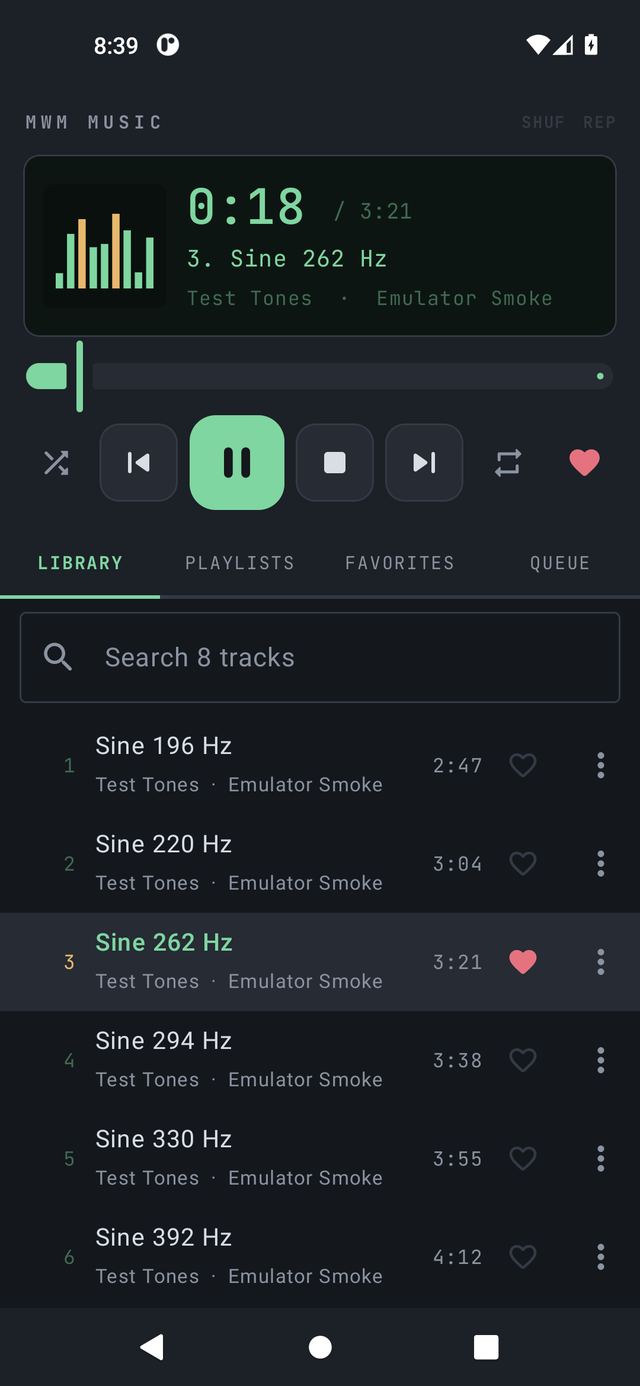
A small, quiet music player in the spirit of Winamp. It plays the audio files that are on your phone. That is the whole job.
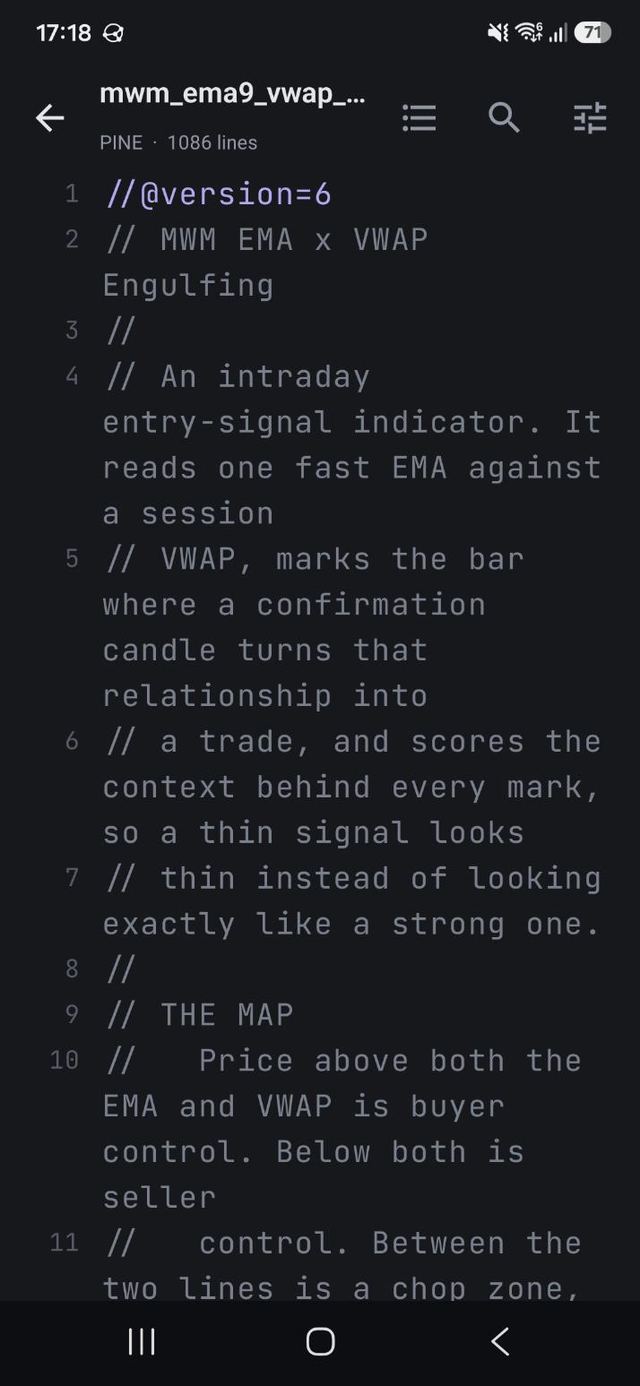
A quiet document reader. Prose in a reading font, code with syntax colouring, markdown laid out, PDFs page by page, spreadsheets as tables.
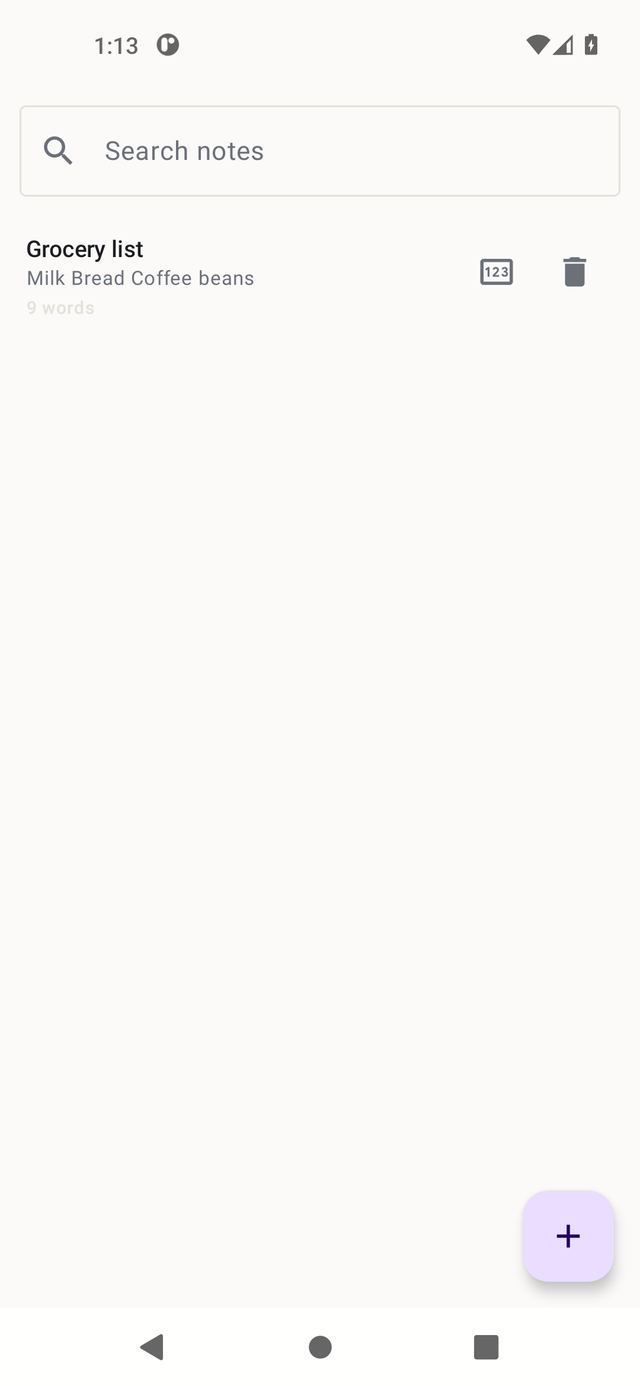
A quiet notepad. Write notes in markdown, pin the ones that matter, search them, and attach voice clips with one tap. Nothing ever leaves the phone.
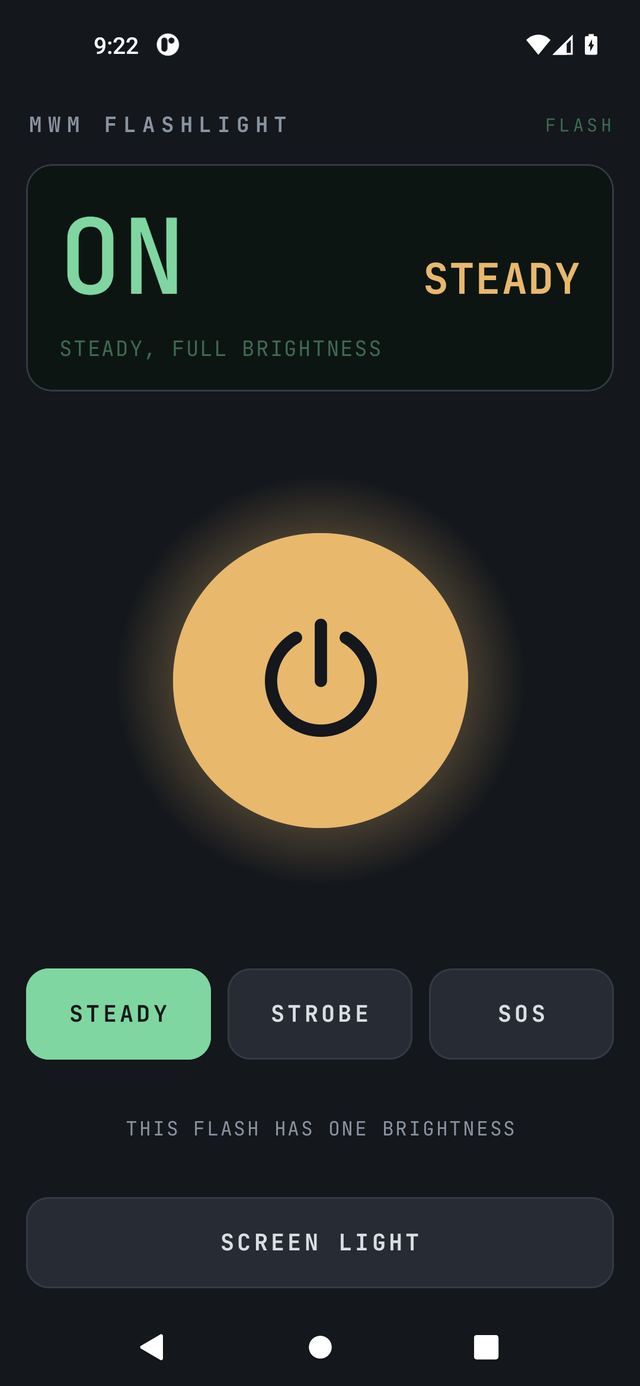
A plain flashlight. One big button turns the phone's flash on and off, and a Quick Settings tile puts the switch in your shade.
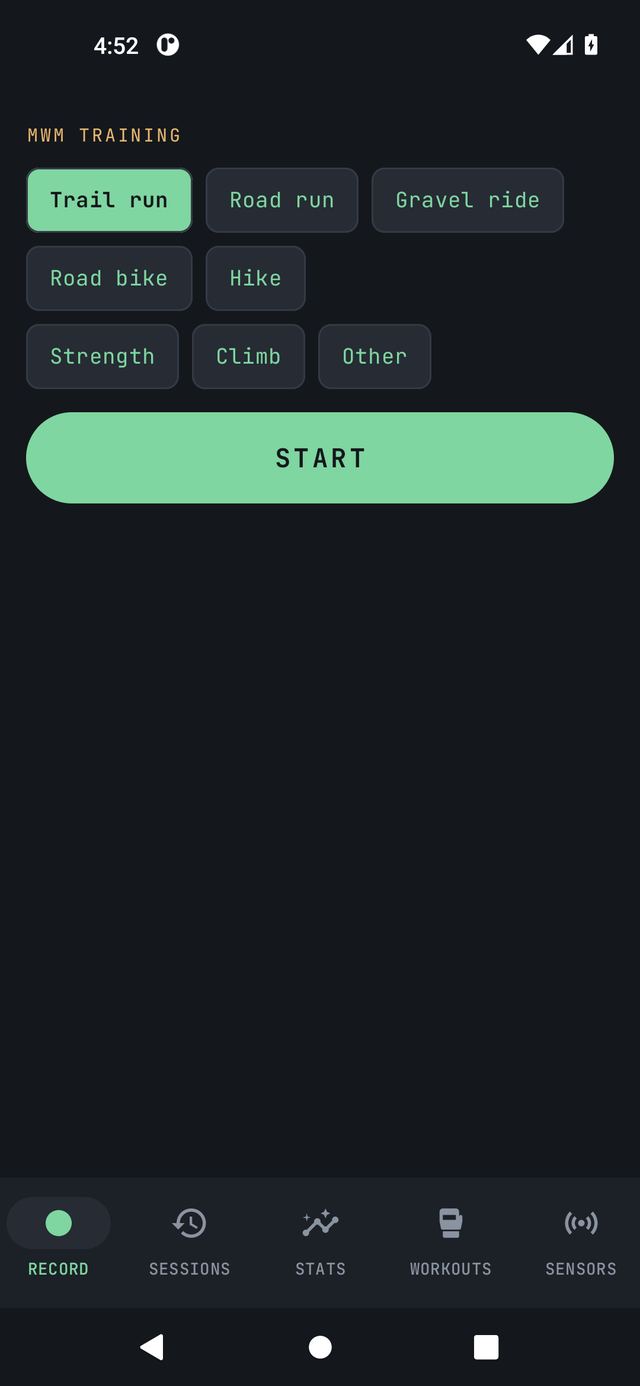
A training recorder: runs, rides, lifts and climbs on one plain screen. It records where you went, how high, how fast and how hard, and it never asks for an account.
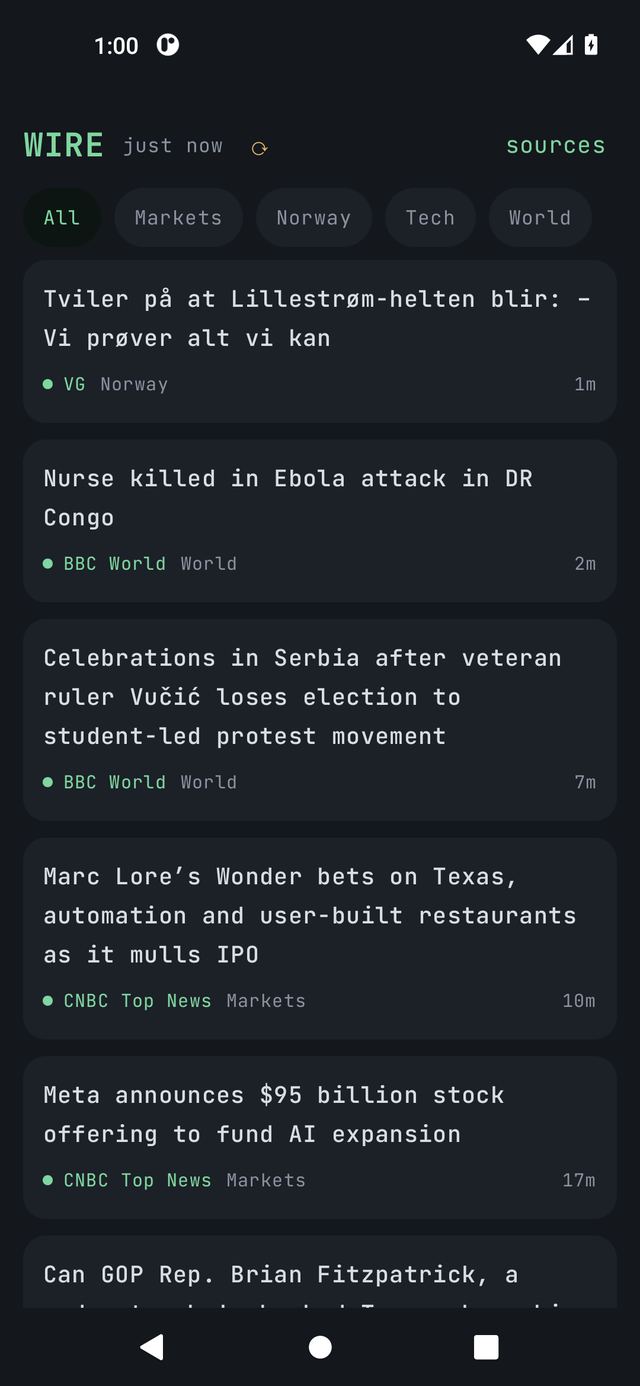
Your own news wire. Pick topics, countries, sources, or any keyword and RSS feed, and get a live headline feed in the app and as a home-screen widget.
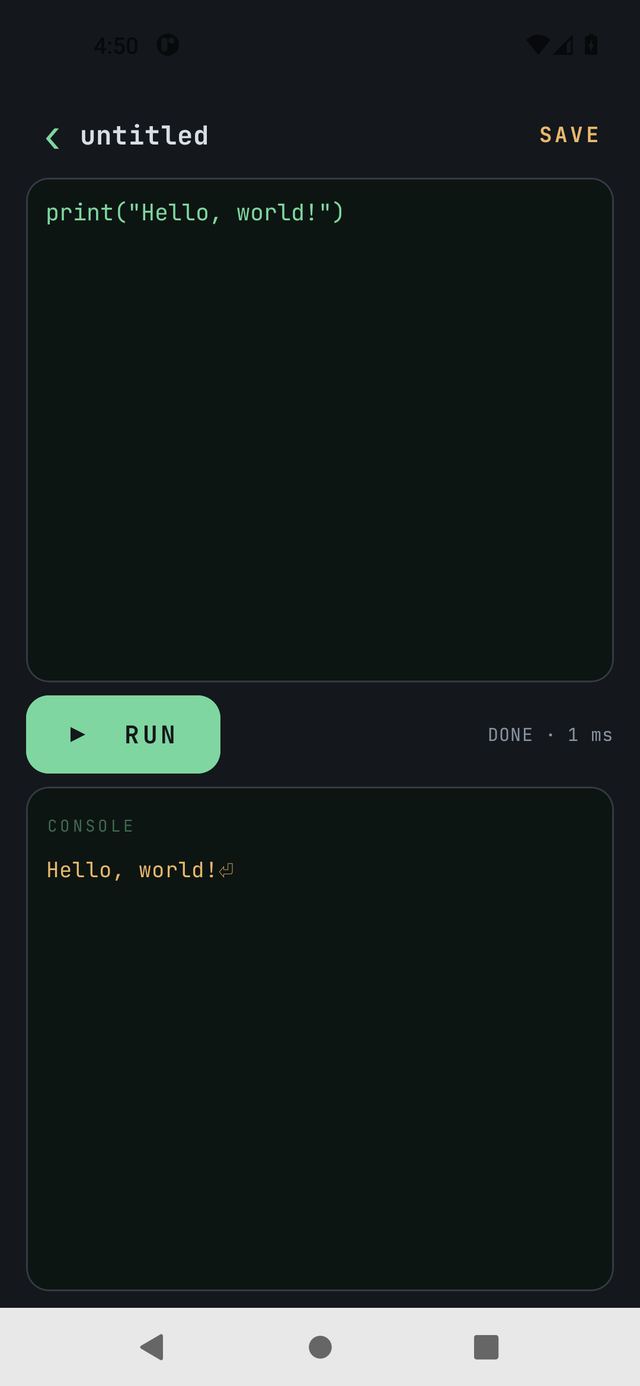
A real Python compiler on the phone. A full CPython 3.13 interpreter lives inside the app: write a program, press RUN, read the console, answer input from the keyboard.
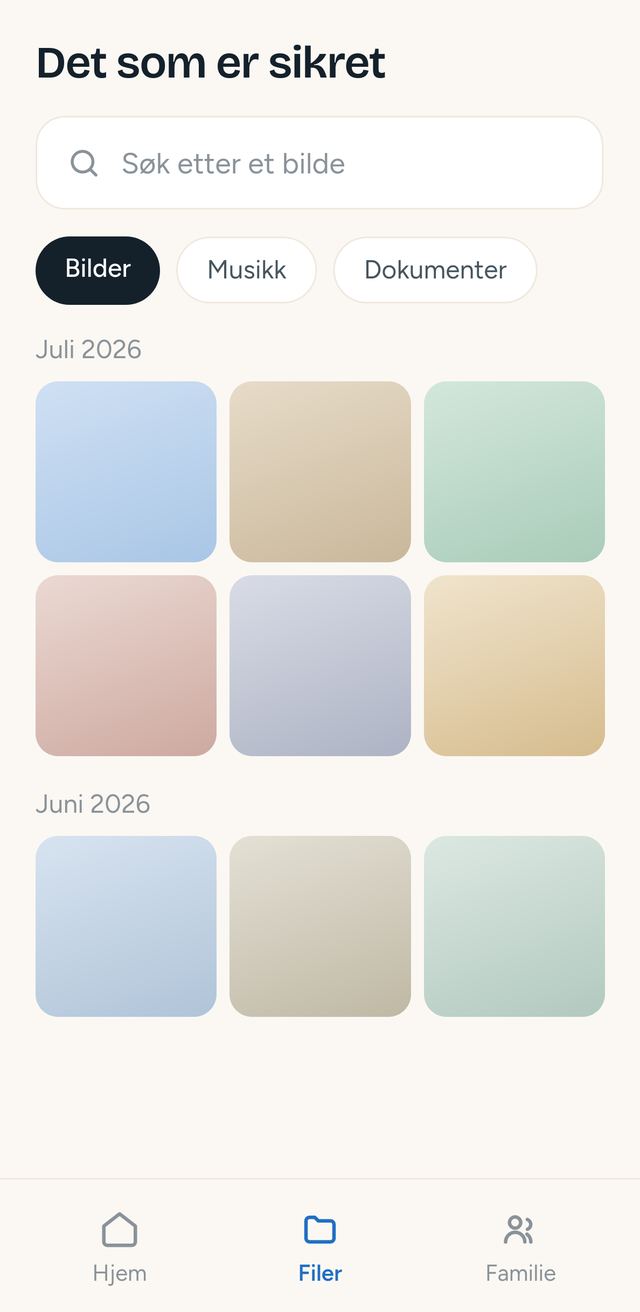
Back up your phone's photos, music, video and documents to storage you own, read them again inside the app, and see honestly whether the backup actually worked. The interface is Norwegian first, with large buttons and plain words.
The current build can be installed today as a single APK from the MWM Tools download page. Download it, open it on your phone and allow "install from this source". Android 8.0 or newer. The Google Play release is being prepared.
Each tool also ships as its own standalone app with its own source repository, free and open.